Help Center/Tests
Test details page
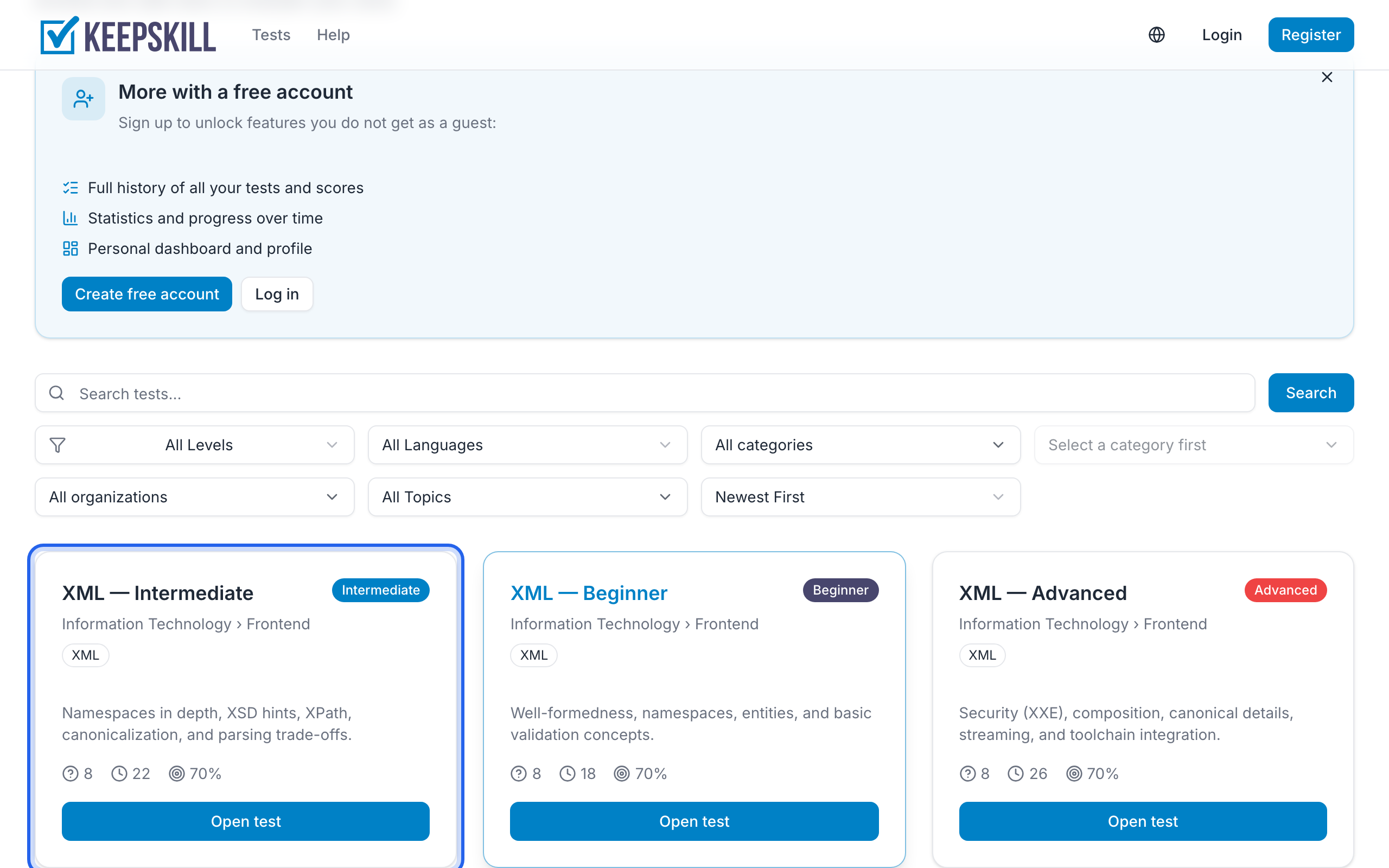
Open any test from the catalog by clicking its card. The URL looks like /tests/....
Breadcrumbs at the top follow the path from home through the catalog and category (and topic, when there is one).
On the page you see title, description, topic/organization when available, difficulty, question count, time limit, pass threshold, and available languages. Category is in the breadcrumbs above.
The start panel also says whether answer review is shown after you finish, and that progress is saved. You can start without an account.
If you are signed in and have completed this test before, Your results lists recent scores with links to the details. Guests may see a short note about creating a free account.
When the topic has other published tests, a Similar tests block lists them (often other difficulty levels), with a link to the full topic page when relevant.
Before you start answers common questions (account, time, pass score, answer review, languages).
Use Start to begin or Continue if you have an unfinished test. After finishing you will see your results.
When signed in, Save test bookmarks the test for the Saved tests block on the Dashboard. Guests see a sign-in prompt instead. Walkthrough: Save tests for later.
Share test posts to Telegram, VK, LinkedIn, or X, or copies the link. The feed should show a card with the test title (no questions or answers).