Help Center/Catalog
Open this page on the site:
Open catalogSearch and filters
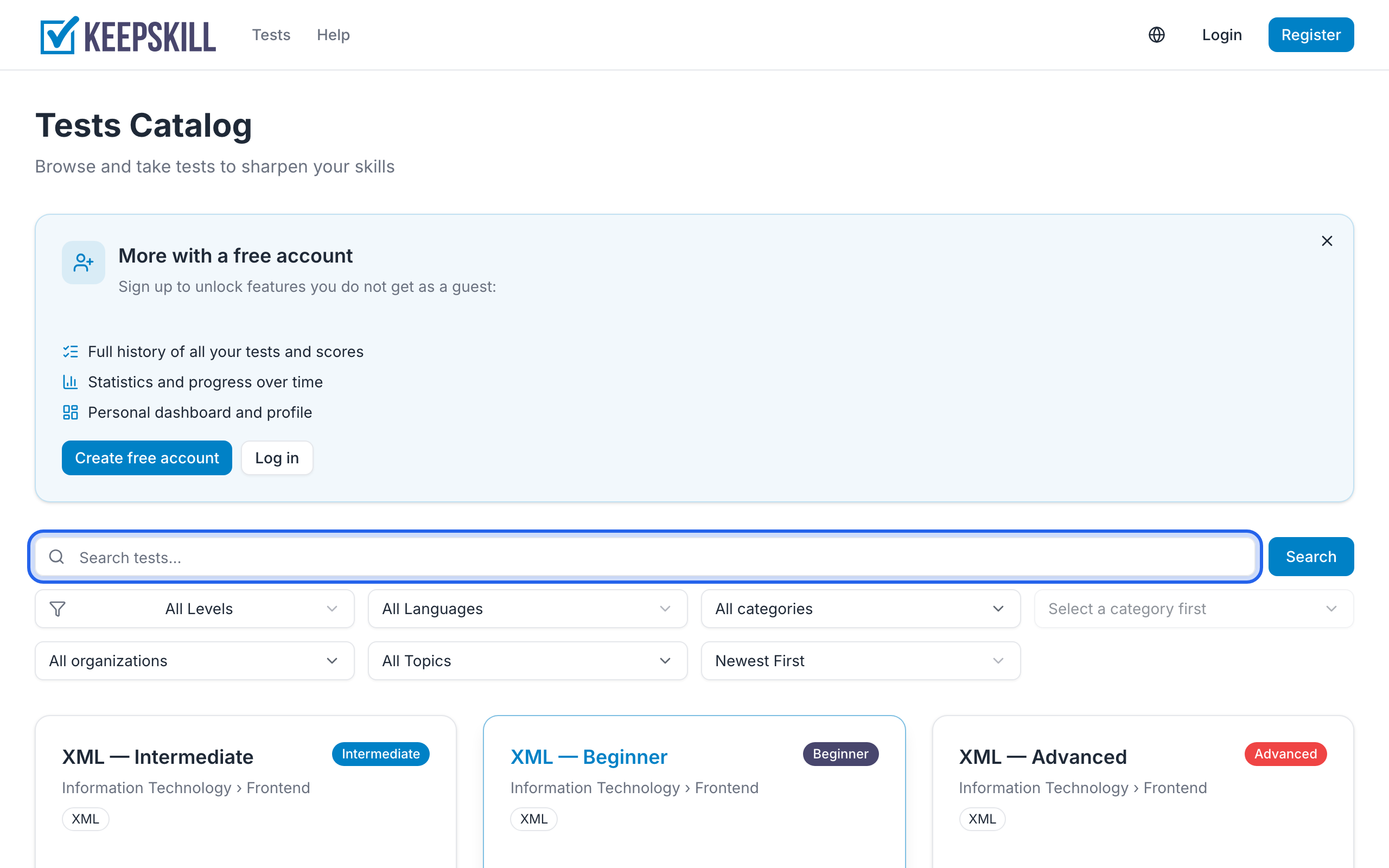
Open the catalog. Above the list you will find:
- Search and Filters — in the first row. Filters opens a side panel for difficulty, content language, category (including subcategories), organization, and topic
- Sort — a text control on the left in the second row (for example “Newest First”); tap it to change the list order
Active filters appear as removable chips under these rows. You can clear them one by one or all at once.
Filters can appear in the URL (for example topic or organization), so you can share a filtered view.