Help Center/Guides
Open this page on the site:
Browse testsChallenge a friend
Turn a finished result into a friendly “beat my score” link — works for guests and signed-in users.
Steps
- Finish any test so you land on the results page.
- Click Share result → pick a network or Copy link. The public page looks like
/r/...(score and test name only — no answer review). - Send the link to a friend.
- They open it and press Accept the challenge — that opens the same test with the challenge attached.
- After they finish, their results page shows a win / lose / tie banner against your shared score.
What you will see
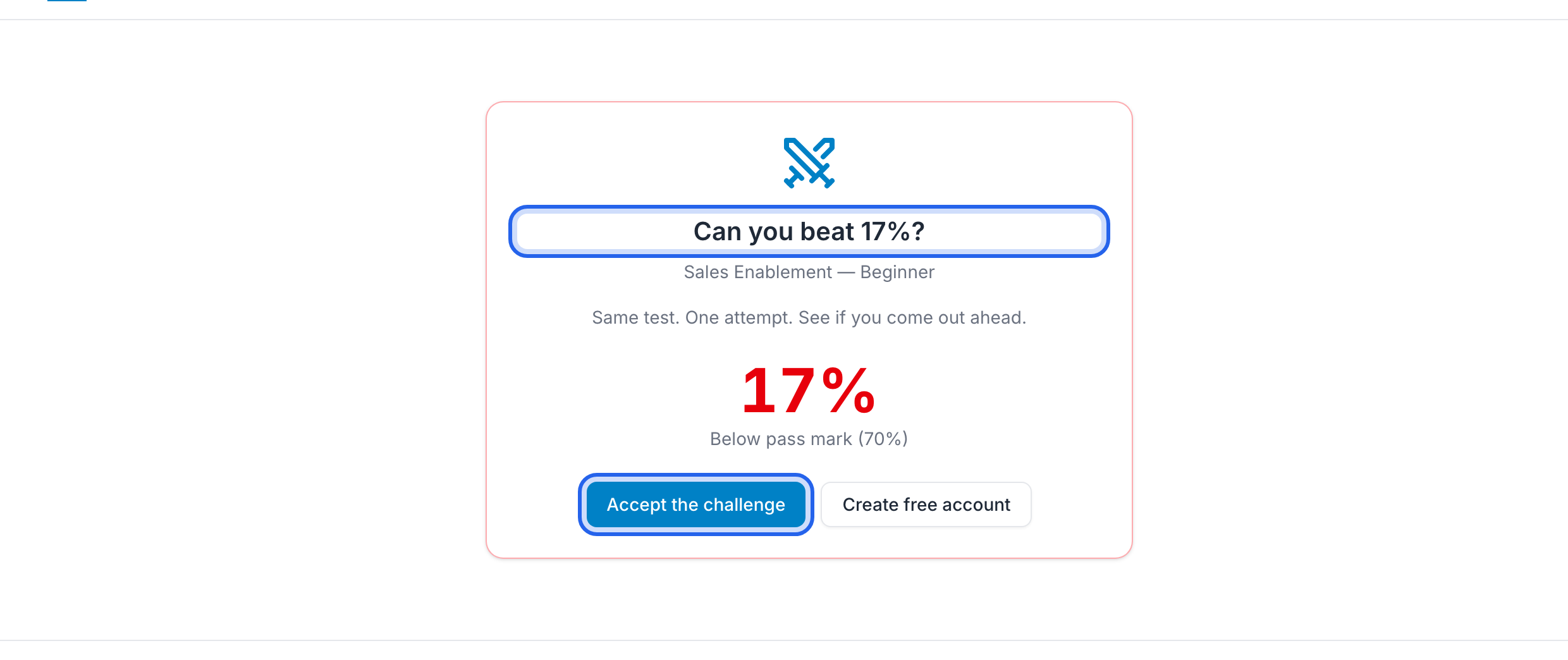

- On the share page: a clear “can you beat …%?” headline and Accept the challenge
- On their results: comparison of their score vs yours (for example “You: 17% · Challenge: 25%”)
- Soft gaps (Where it slipped) still appear as usual if they missed questions
More about the results screen: Viewing results. Want another try yourself? Try again.