Help Center/Account
Open this page on the site:
Open registrationRegistration
Where to open it

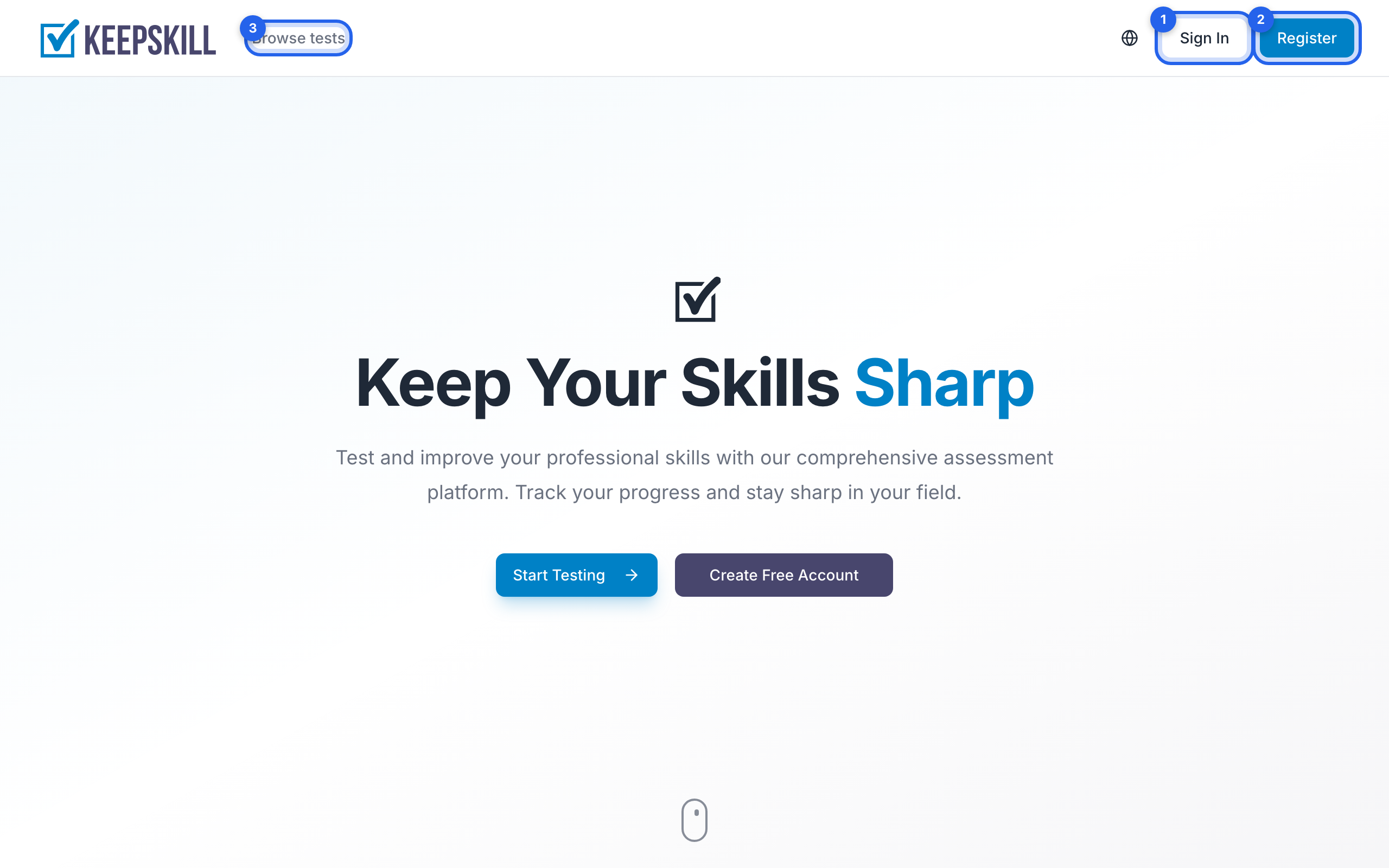
Go directly to the [registration page](/register) — or find Register / Get Started / Create free account:
- On the home page: buttons in the header and in the hero section
- On the login page: link to create an account under the form
- In the catalog header when you are signed out: Register (desktop) or the menu on mobile
Steps
- Open Register
- Enter email and password (first and last name are optional)
- Leave Send me product news by email checked if you want occasional digests (only important updates; you can change this later in your profile or unsubscribe from a letter)
- Submit the form — or use Google / GitHub / VK below; the same news checkbox applies to social sign-up
- Confirm your email if prompted — see Email verification
After registration you are signed in. Free is already your plan. We then ask what you are into so the catalog can start with you — you can skip and pick later in Profile → Preferences.
You can also register with Google, GitHub, or VK — buttons are on the same registration page. Details: Sign in with providers.