Help Center/Catalog
Open this page on the site:
Open catalogBrowsing the catalog
Where to open it
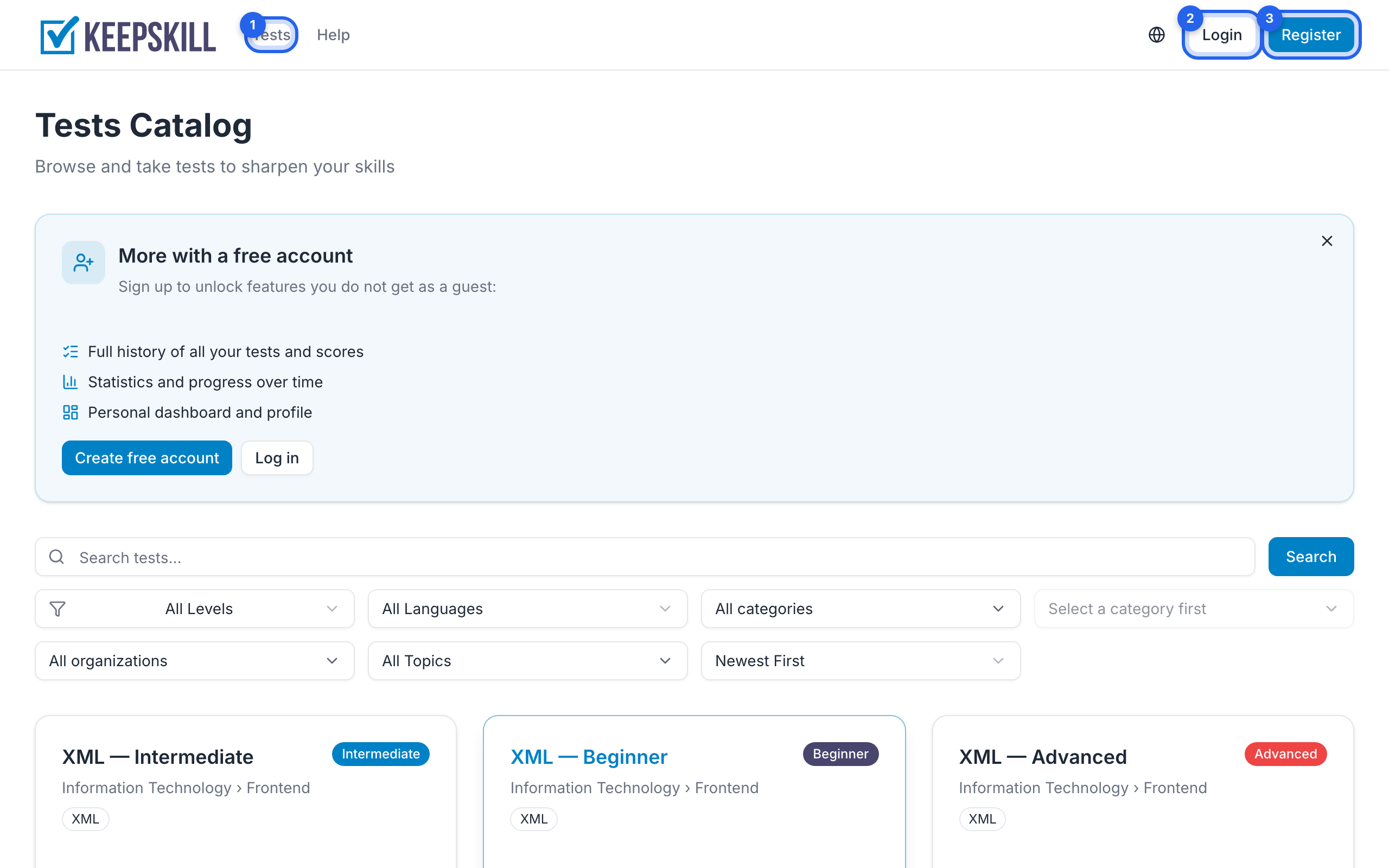
- Header link Tests (on the home page, in the app, and in Help)
- Direct link: Test catalog
- From the home page: Browse tests / View all tests
What you see
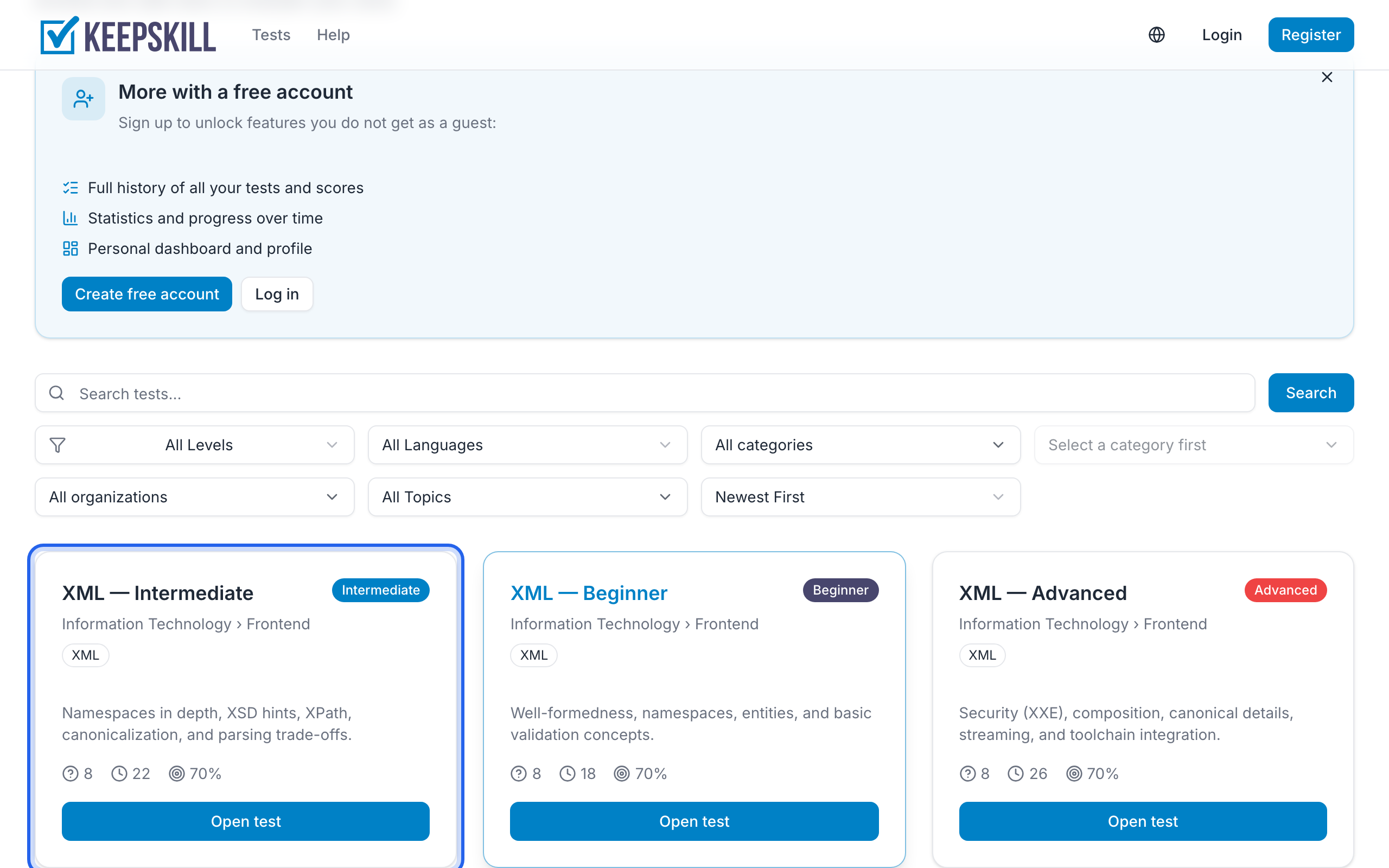
Each card shows title, difficulty, question count, and timing where available. Click a card to open the test page with full details and Start (or Continue).
On the home page, topic chips open a topic page with tests for that skill. From a test page you can also open the topic or category. The catalog filters still work if you prefer to narrow the full list.
At the top of the catalog you may see a notice that the catalog keeps growing. You can close it — after that it will not appear again. If a test is missing, use Suggest a test at the end of the list (or in the notice).
Signed-out visitors may see a registration pitch; you can still start many tests as a guest. To keep results, register.