Help Center/Guides
Open this page on the site:
Open catalogYour first test in 5 minutes
A short path: pick a test, finish it, see where you slipped, then decide whether to keep history.
Steps
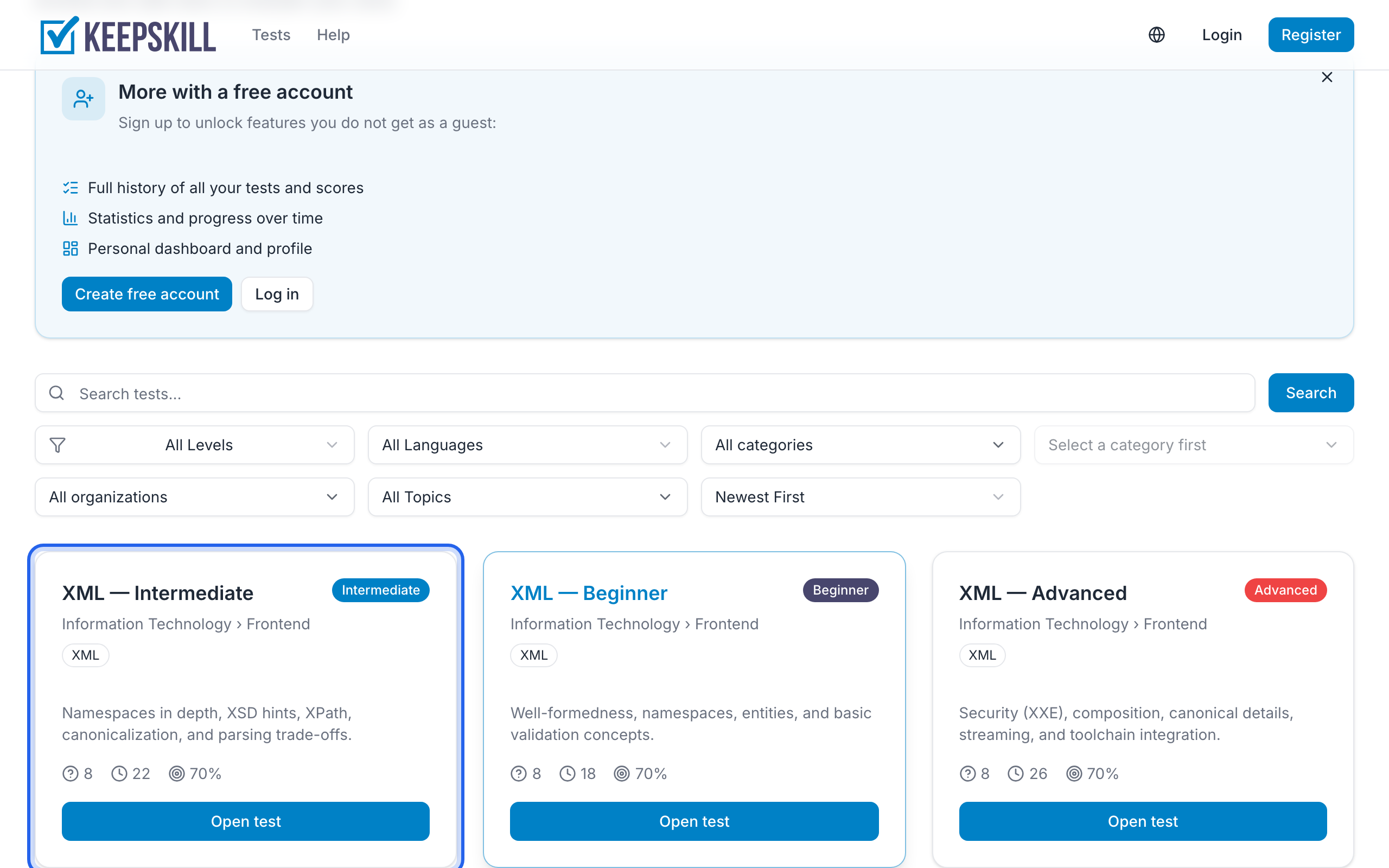
- Open the [test catalog](/tests) from the header (Tests).
- Click a card that looks right (topic, difficulty, time). That opens the test page.
- Press Start. You can begin without an account — see Guest vs registered account.
- Answer the questions. Your answers save as you go; watch the timer. Details: Taking a test.
- When you finish, the results page opens with your score and pass/fail.
What you will see
- Score in percent, correct/incorrect counts, and whether you passed the threshold
- If you missed anything — a short Where it slipped block (a few missed items or just the count) and Try again — not a full answer key. More: Viewing results
- An invitation to create a free account so this score is not a one-off
Keep the result
On the same device, register or sign in after the test — we can attach that result to your History. Across devices you need an account from the start.
Next: Track progress on the dashboard or Challenge a friend.