Help Center/Getting started
Languages
KeepSkill supports English and Russian.
Interface language
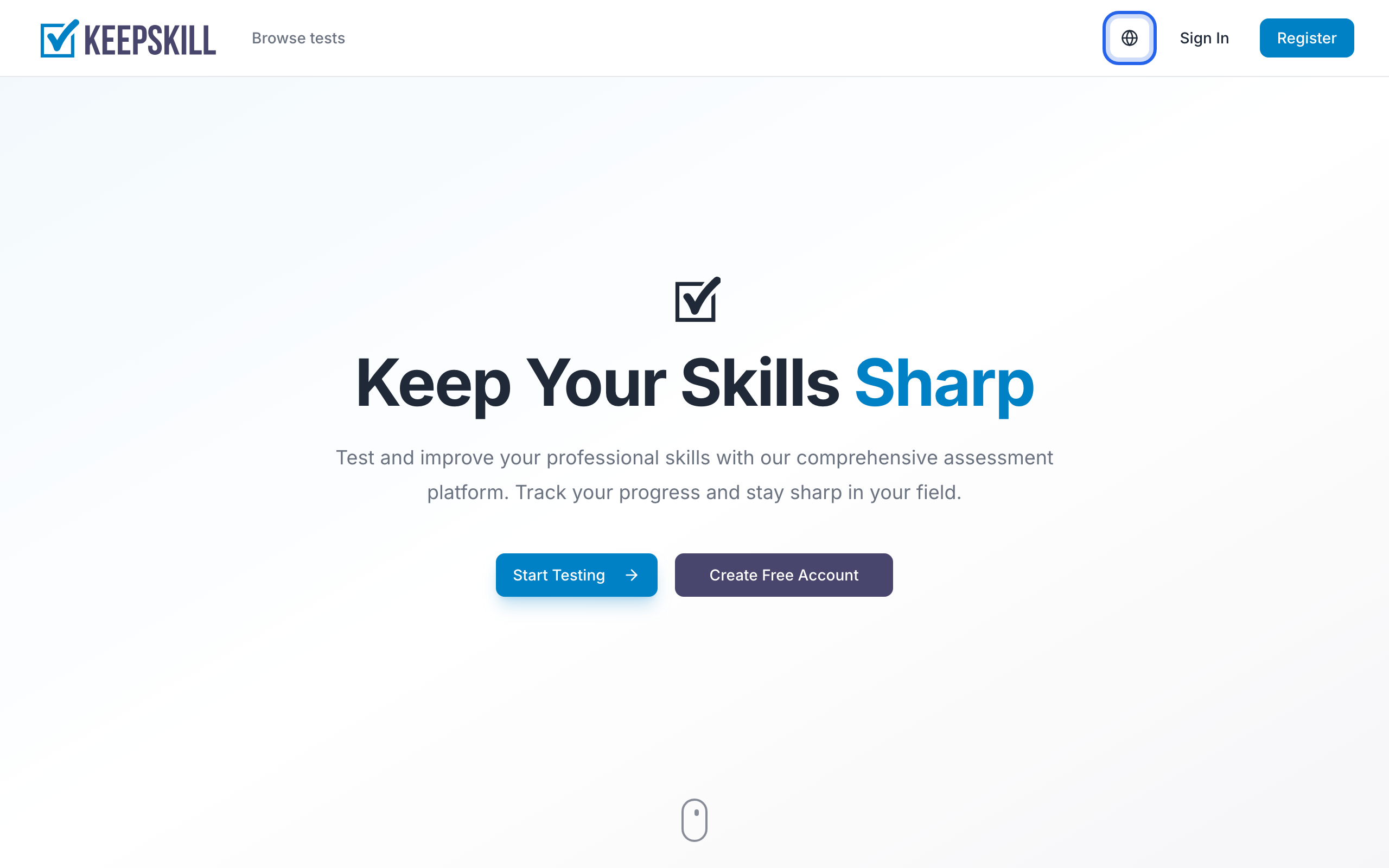
- Guests and public pages: use the globe icon in the top-right of the header (for example on the home page or in Help).
- Signed-in users: open Profile and change Interface language — it is saved to your account.
Test content
Each test may be published in one or both languages. In the catalog, use the language filter to show tests available in your preferred language.