Help Center/Guides
Open this page on the site:
Browse catalogSave tests for later
Use Save when you want to come back to a test without hunting through the catalog.
Steps
- Sign in — guests see a prompt to sign in instead of saving.
- Open a test from the catalog.
- On the test page, click Save test (next to Share).
- Open [Dashboard](/dashboard) — the test appears under Saved tests.
- Open the card when you are ready to start or continue.
What you will see
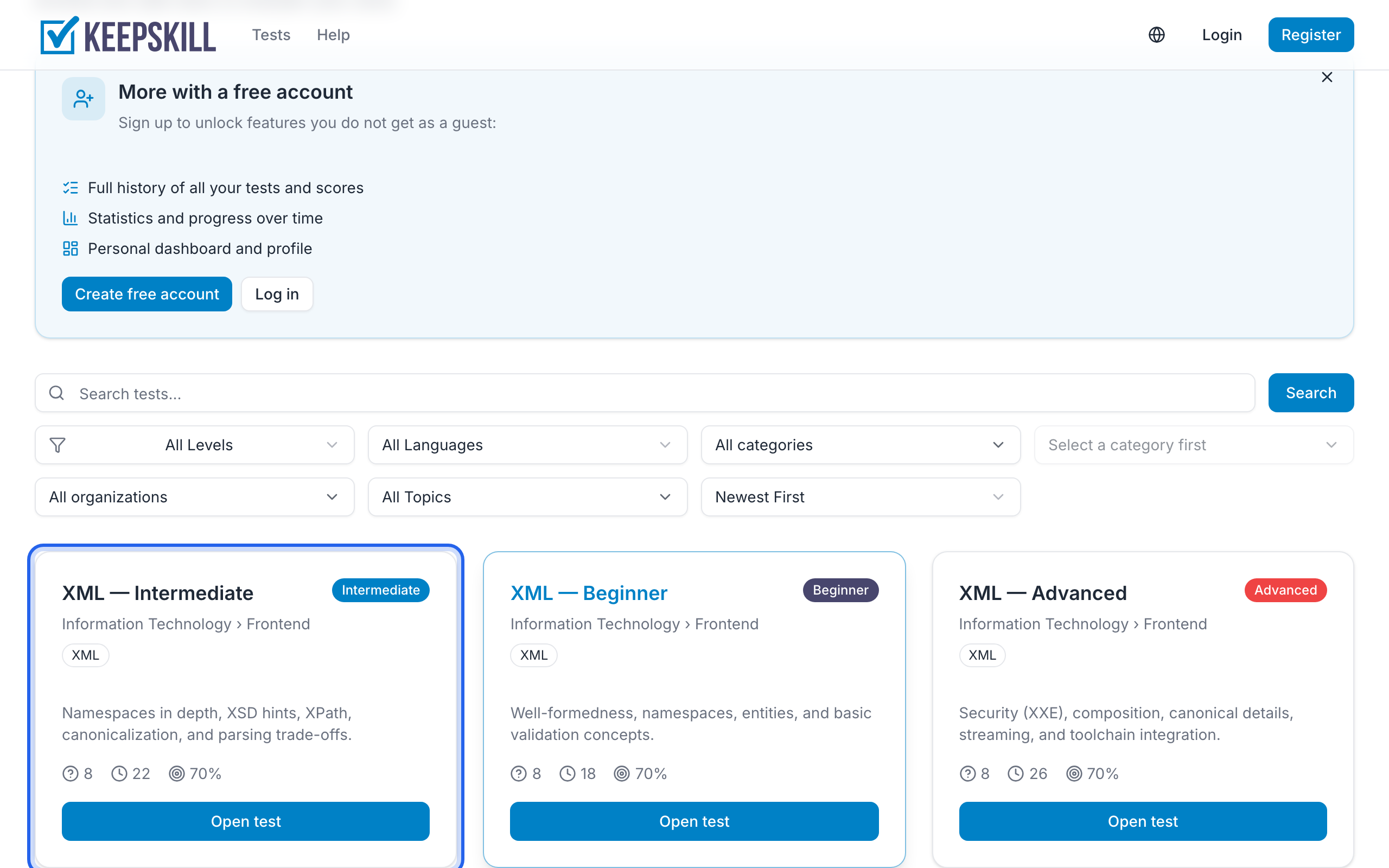
- On the test page: Save test toggles between saved and not saved
- On the dashboard: a Saved tests list with shortcuts into each test
- If the list is empty: Browse catalog, open a test, tap Save
About the rest of the test page: Test details page. About the dashboard blocks: Dashboard and Track progress.