Help Center/Tests
Taking a test
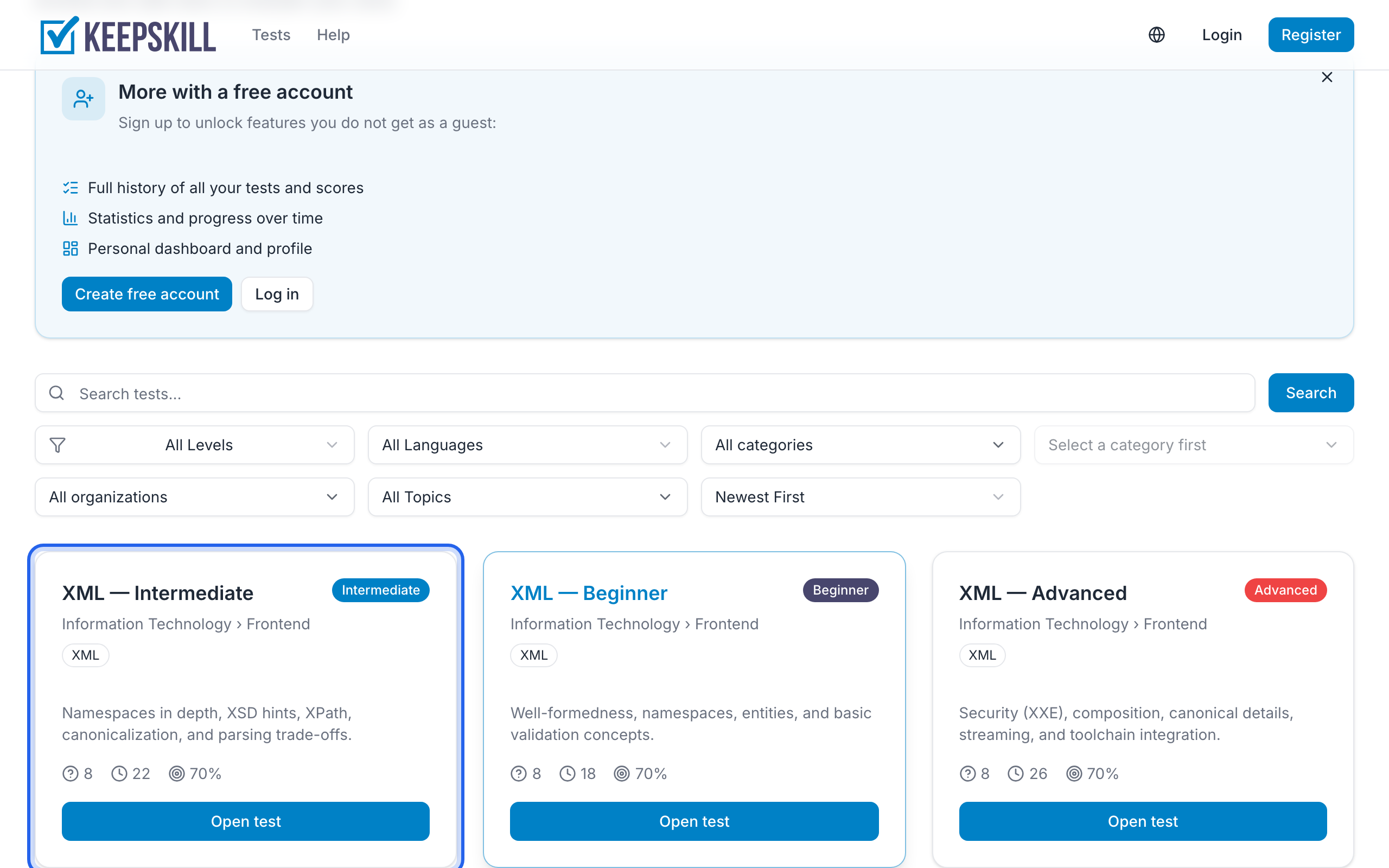
Start from a test page in the catalog (Start / Continue). The attempt URL looks like /attempts/....
During an attempt:
- Read each question and select answer(s)
- Answers are saved as you go
- Use question navigation to jump between items
- Watch the timer — every attempt has a time limit (the test’s own limit, or up to 60 minutes if none is set)
- Click finish when ready (or when time runs out)
If you try to leave the page (a menu link or the browser Back button), you will be asked to confirm. Your answers are already saved — after leaving you can return with Continue on the test card until the time limit runs out. Closing the tab also triggers the browser’s leave warning.
The attempt may note if you switch tabs or paste — it does not change the score. You may see a short recap on your result.
When time runs out, the server finishes the attempt with the answers already saved. Signed-in users can open the result later from Results.
Signed-in users with a verified email who leave a started attempt with answers may also get an email reminder with a link back to that attempt. Walkthrough: Come back to an unfinished test.
If a question or answer looks wrong, use Found an error? Tell us under the question — the contact form opens in a new tab so your progress stays on this page.
You will be taken to the results page for that attempt. Signed-in users can later find attempts in Results.